Quizzes on the academy account
Generate quizzes and tests from the lessons the academy already owns.
quiz, test, and auto-scoring software
Quiz, test, and auto-scoring software keeps the assessment next to the course. knewr generates quizzes and tests from the academy’s own lessons, scores attempts automatically, and keeps the result on the same account as the live class, the branded learner app, and the certificate.

Overview
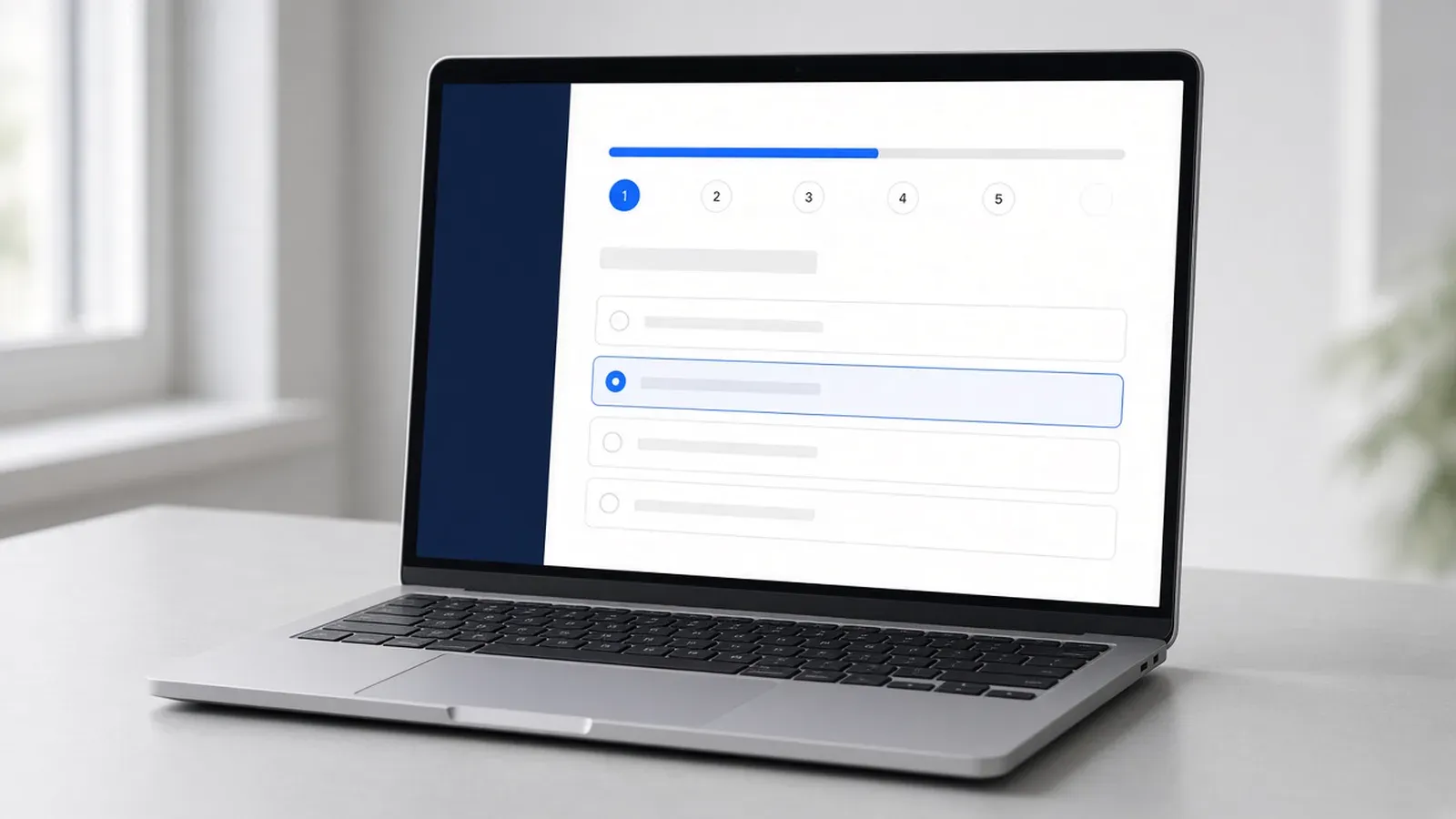
A quiz that lives in a separate app splits the attempt from the course, the class, and the certificate. Quiz, test, and auto-scoring software should hold that sequence on one academy account.
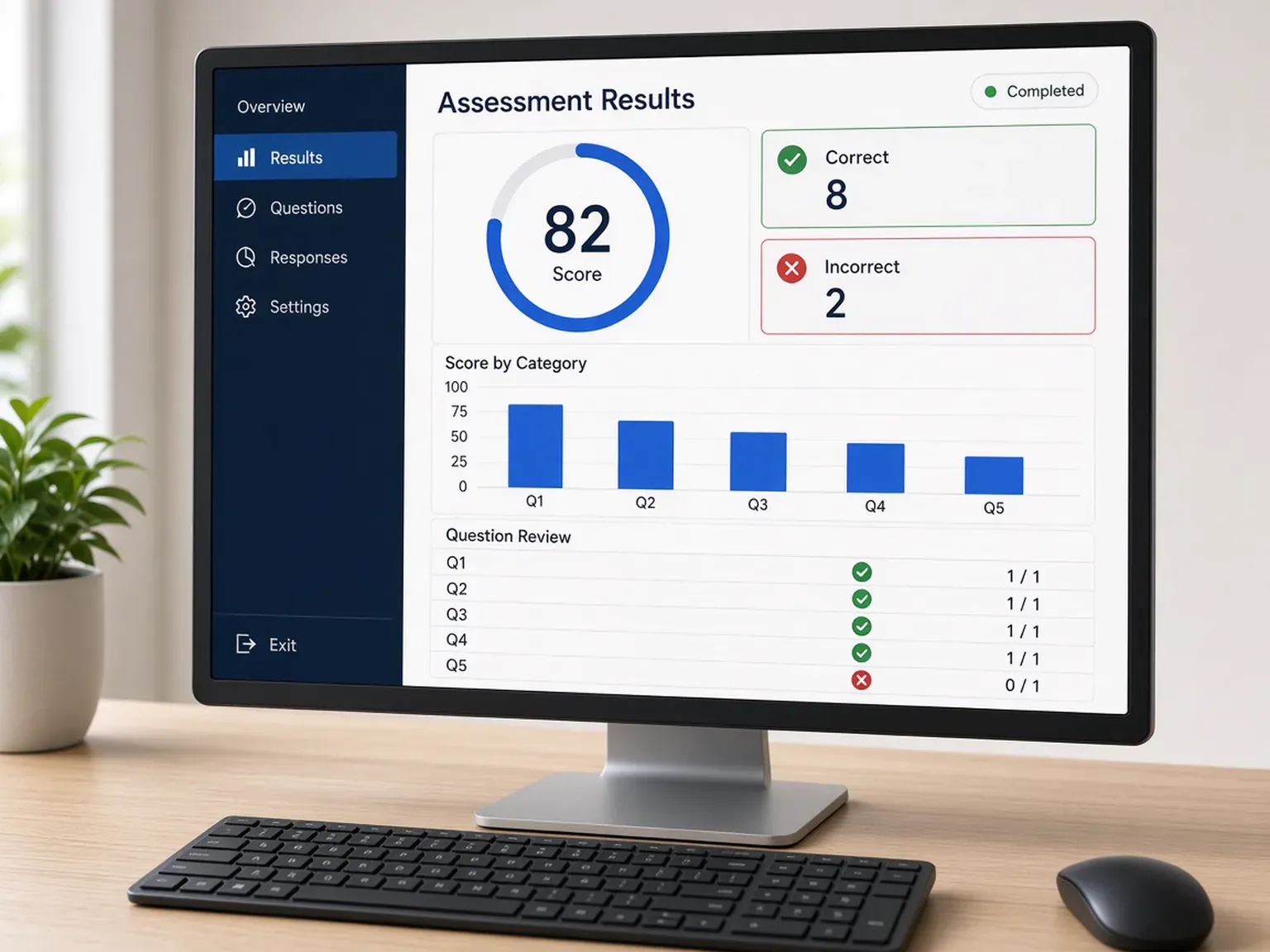
knewr is built for that job. The academy can generate quizzes and tests from lessons it owns, then review them before learners see them. Attempts are scored automatically. Question-bank shuffling changes the order so each attempt is not a copy of the last one. Learners take the quiz, see the score, and review the attempt.
The quiz stays with the live class and the branded iOS and Android app. When the learner finishes, knewr can issue an automated certificate from the same account. That certificate is an academy credential. knewr does not issue a license and does not decide whether a score meets an outside requirement.
Benefits
Generate quizzes and tests from the lessons the academy already owns.
Attempts are graded automatically, so staff do not export answers to a separate quiz app.
Question-bank shuffling changes the order so each attempt is not a copy of the last one.
Learners take the quiz, see the AI score, and review the attempt.
Run the quiz beside a built-in live class, on the same roster.
Issue an automated certificate from the same account when the learner finishes.
How it works
Start from a course the academy already owns.
Use AI to draft a quiz or test, then review it before learners see it.
Add learners once so the attempt, the class, and the certificate stay on that person.
knewr grades the quiz automatically and lets the learner review it.
When the learner finishes, knewr creates an automated certificate from the same account.
Built with KNEWR
Draft the assessment from the academy’s lessons, then review it before learners attempt it.
Grade the attempt inside knewr instead of a separate quiz tool.
Change question order so each attempt stays distinct.
Let the learner see the score and go back over the attempt.
Keep the quiz on the same roster as the live session.
Deliver the quiz in the academy’s iOS and Android app, then issue an automated certificate from the same account.
FAQs
It is the system a training academy uses to create quizzes and tests, score attempts automatically, and keep that result with the course. knewr does this on the same account as live classes and certificates.
It is for academy owners, administrators, and instructors who assess learners as part of a course. The academy owns the account and the lessons the questions come from.
knewr can generate quizzes and tests from the academy’s own lessons. Staff still review the assessment before learners see it.
Attempts are scored automatically. The learner can review the attempt after the score is in.
Question-bank shuffling changes the order of questions so one attempt is not a copy of the last one.
Yes. Quizzes and tests can sit with a built-in live class, and learners can open them in the academy’s branded iOS and Android app.
knewr can issue an automated certificate when the learner finishes. That certificate is an academy credential. It is not a license, and knewr does not decide whether the result meets an outside requirement.
Related pages
knewr is a live class platform for training academies, with built-in classes, courses, an AI teacher, branded apps, and certificates.
View page →knewr turns PDFs, decks, and video into academy courses, with AI-assisted creation, live classes, branded apps, and certificates.
View page →knewr issues branded training certificates from the same academy account as live classes, courses, and learner apps.
View page →knewr gives training academies a branded learner app for iOS and Android, with live classes, AI-assisted courses, and automated certificates.
View page →