Start from material you already teach
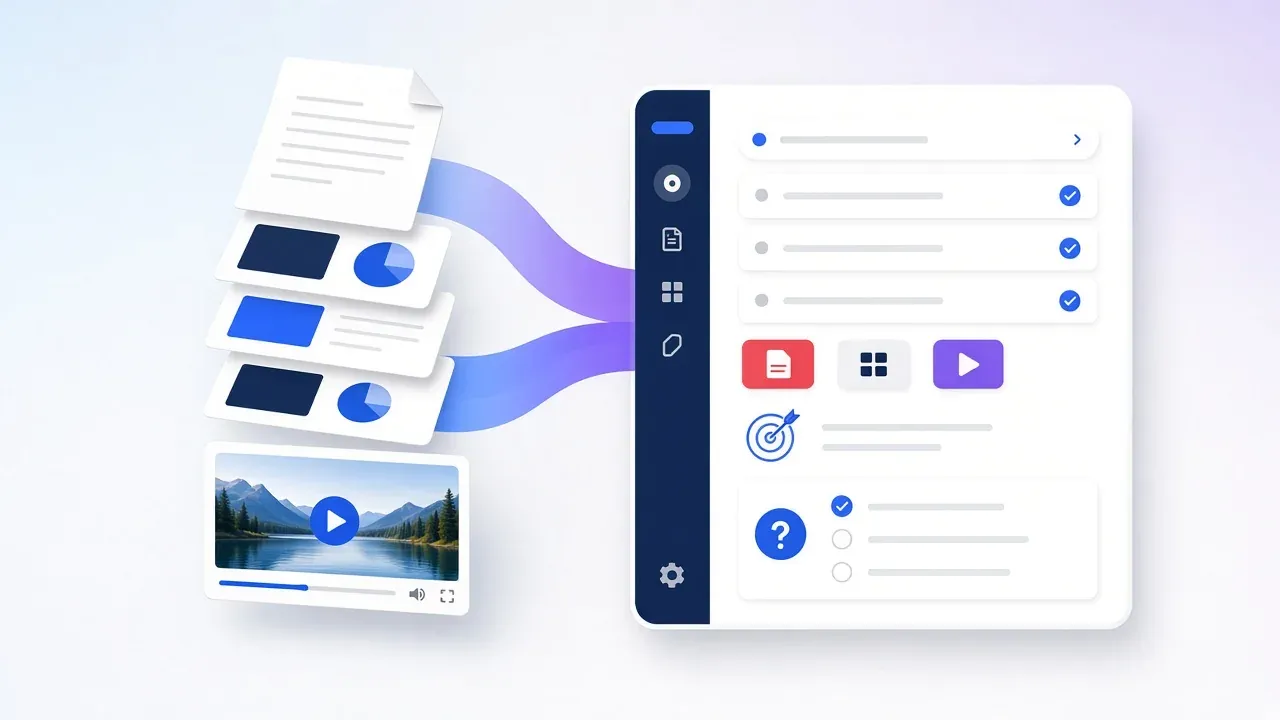
PDFs, decks, and video become the source of the course instead of a blank outline.
AI course builder from PDFs, decks, and video
An AI course builder turns the files an academy already teaches from into a course. knewr helps draft that course from PDFs, decks, and video, then keeps live classes, an AI teacher the academy configures, branded learner apps, and automated certificates on the same account.
Overview
Training academies already have the lesson in a PDF, a slide deck, or a video. An AI course builder starts there, so the course is organized from material the academy owns instead of a blank template.
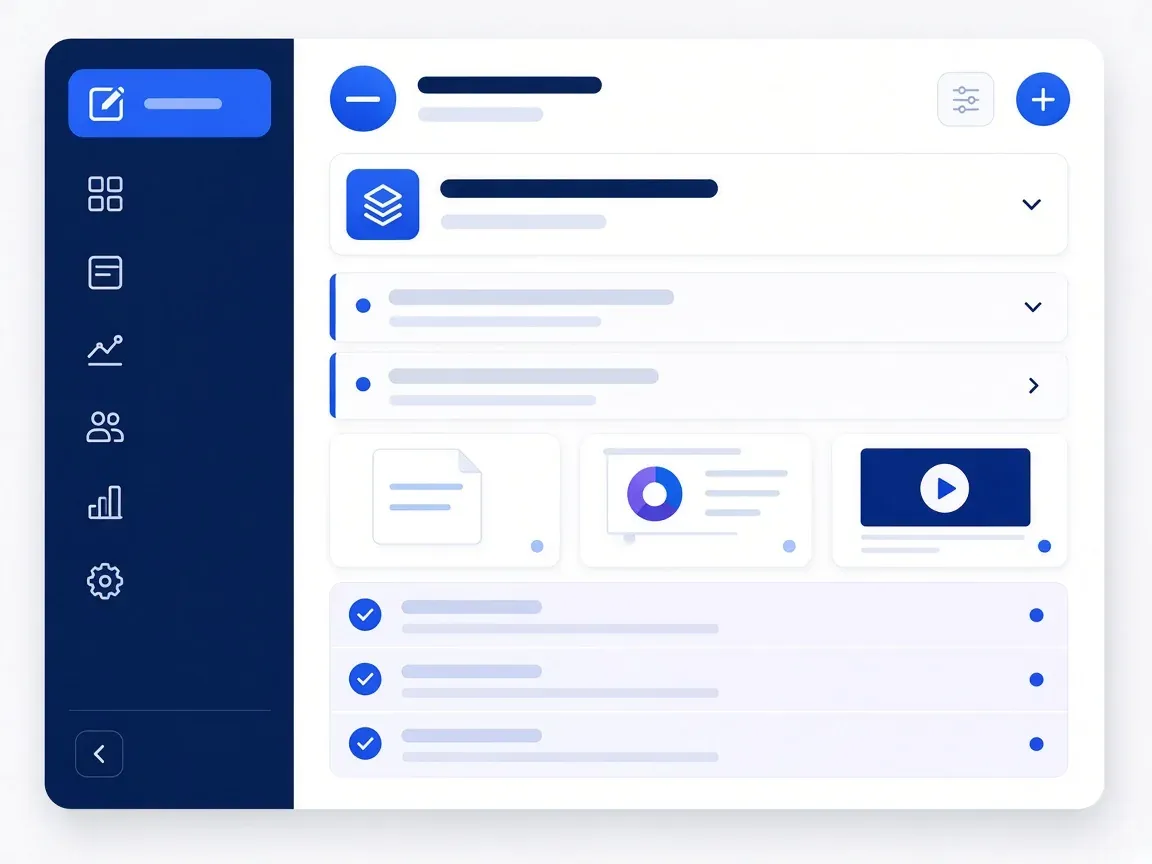
knewr drafts that course with AI assistance. The academy reviews the lesson before learners see it. Instructors can then teach it in a live class on the same account, or configure an AI teacher for lessons the academy chooses to offer. Learners open the course in a branded mobile app, and knewr issues an automated certificate when they finish.
The files, the course, and academy administration stay together. knewr does not invent a curriculum the academy did not supply, and it does not decide whether a learner or an academy meets an outside requirement.
Benefits
PDFs, decks, and video become the source of the course instead of a blank outline.
knewr helps draft the course, and the academy reviews the lesson before learners see it.
The source files, the lesson, the live class, and the certificate stay on the same academy account.
Set up an AI teacher for lessons the academy chooses to offer.
Give learners an iOS and Android app that carries the academy’s name.
Issue an automated certificate from the same account that holds the course.
How it works
Upload the PDFs, decks, and video the academy already teaches from.
Use AI-assisted course creation to organize that material into a lesson.
Check the draft before learners see it. The academy keeps control of the curriculum.
Run a live class in knewr, or have the academy’s configured AI teacher deliver the lesson.
When the learner finishes, knewr creates an automated certificate from the same account.
Built with KNEWR
Organize PDFs, decks, and video into the lesson the academy will teach.
Draft the course from that material, then keep the lesson under the academy’s control.
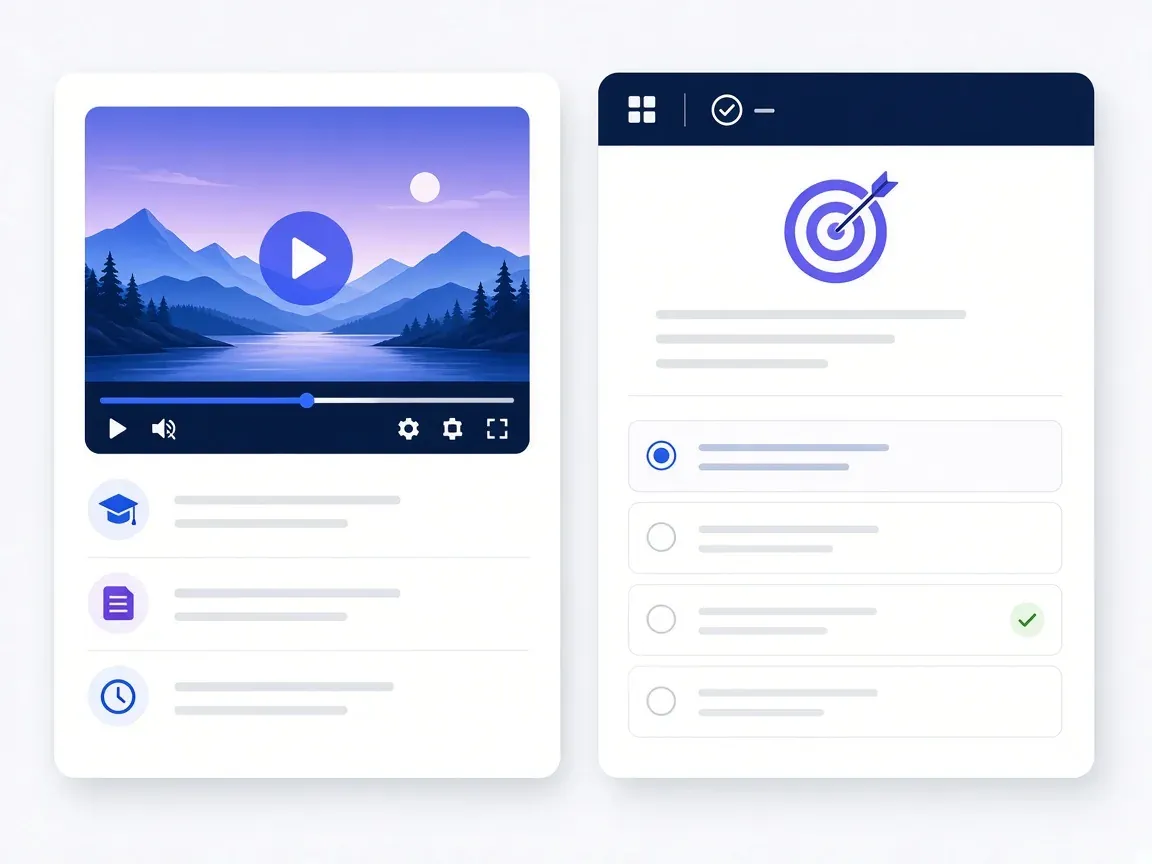
Teach the finished course live inside knewr, with the cohort on the academy account.
Configure an AI teacher for the lessons the academy chooses to offer.
Publish the course on iOS and Android under the academy’s brand.
Create a certificate when the learner finishes, from the same account as the course.
FAQs
It is the way a training academy turns PDFs, decks, and video it already teaches from into a course on knewr. AI assists the draft. The academy reviews the lesson before learners see it.
It is for academy owners, administrators, and instructors who already have teaching files and want those files organized as a course. Learners use the course, the class, and the app. The academy owns the curriculum.
PDFs, slide decks, and video. The academy supplies the material. knewr does not invent a curriculum the academy does not own.
Yes. AI-assisted course creation drafts the lesson. Someone at the academy should review it before learners see it.
Yes. The course stays on the same account as built-in live classes, so instructors can teach the lesson live after it is created.
The academy can configure an AI teacher for lessons it chooses to offer. The academy still owns the curriculum.
knewr can issue an automated certificate when the learner finishes. That certificate is an academy credential. It is not a license or a compliance decision.
Related pages
knewr records attendance and presence in live classes for training academies, with teacher roles, the learner roster, and certificates on one account.
View page →knewr gives training academies a branded learner app for iOS and Android, with live classes, AI-assisted courses, and automated certificates.
View page →knewr is a live class platform for training academies, with built-in classes, courses, an AI teacher, branded apps, and certificates.
View page →knewr generates quizzes and tests for training academies and scores attempts automatically, on the same account as classes, courses, and certificates.
View page →