Teach without a meeting link
Run the live class in knewr instead of Zoom, Google Meet, or Microsoft Teams.
zoom alternative for training academies
A training academy often teaches in Zoom and keeps the course, the roster, and the certificate somewhere else. knewr is a Zoom alternative for that work: the live class runs inside the academy account, with unlimited attendees and attendance recorded for the session.
Overview
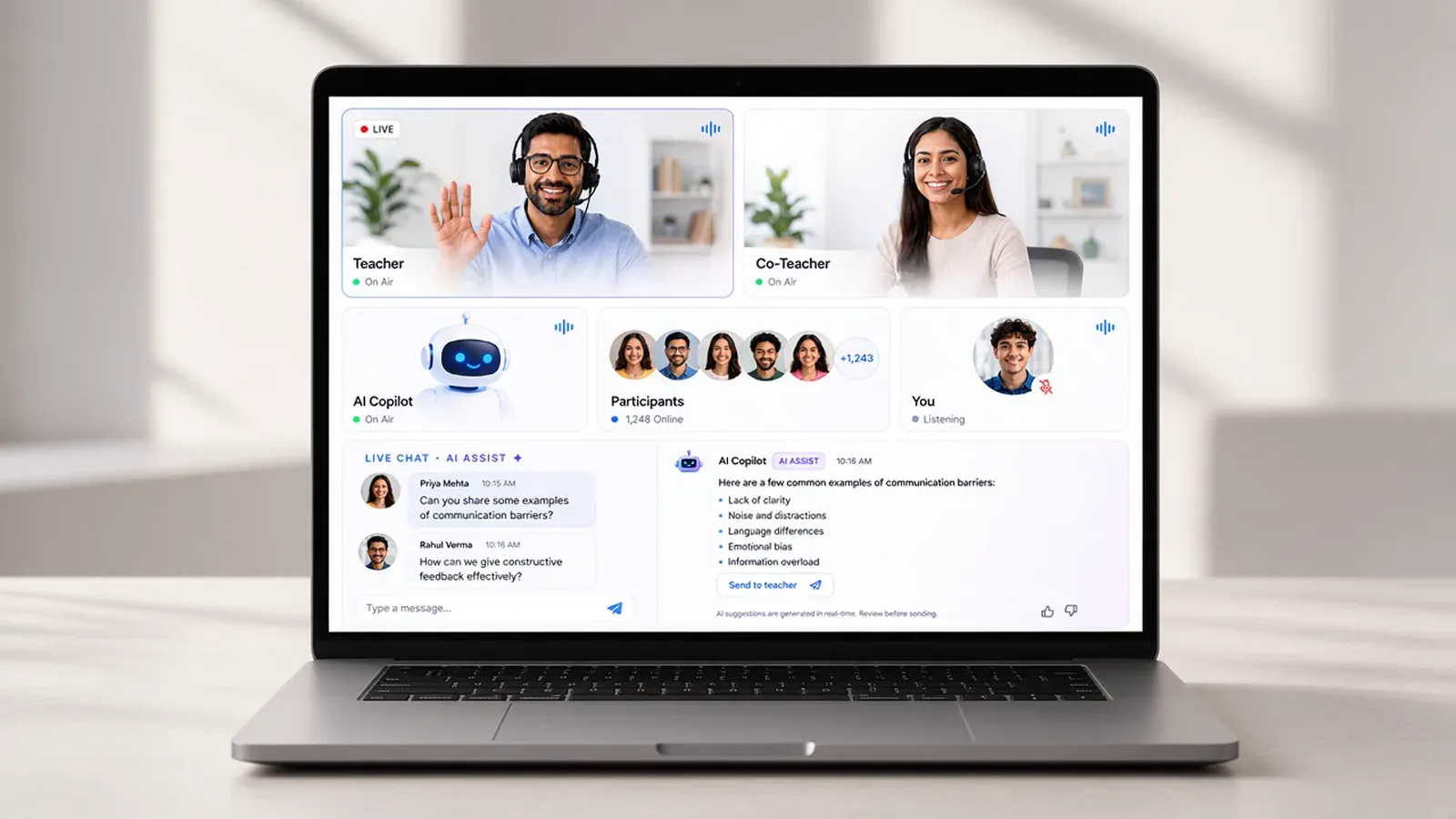
A Zoom alternative for a training academy is a place to teach live without sending the cohort to a separate meeting tool. The class, the learners, and the lesson stay on one account.
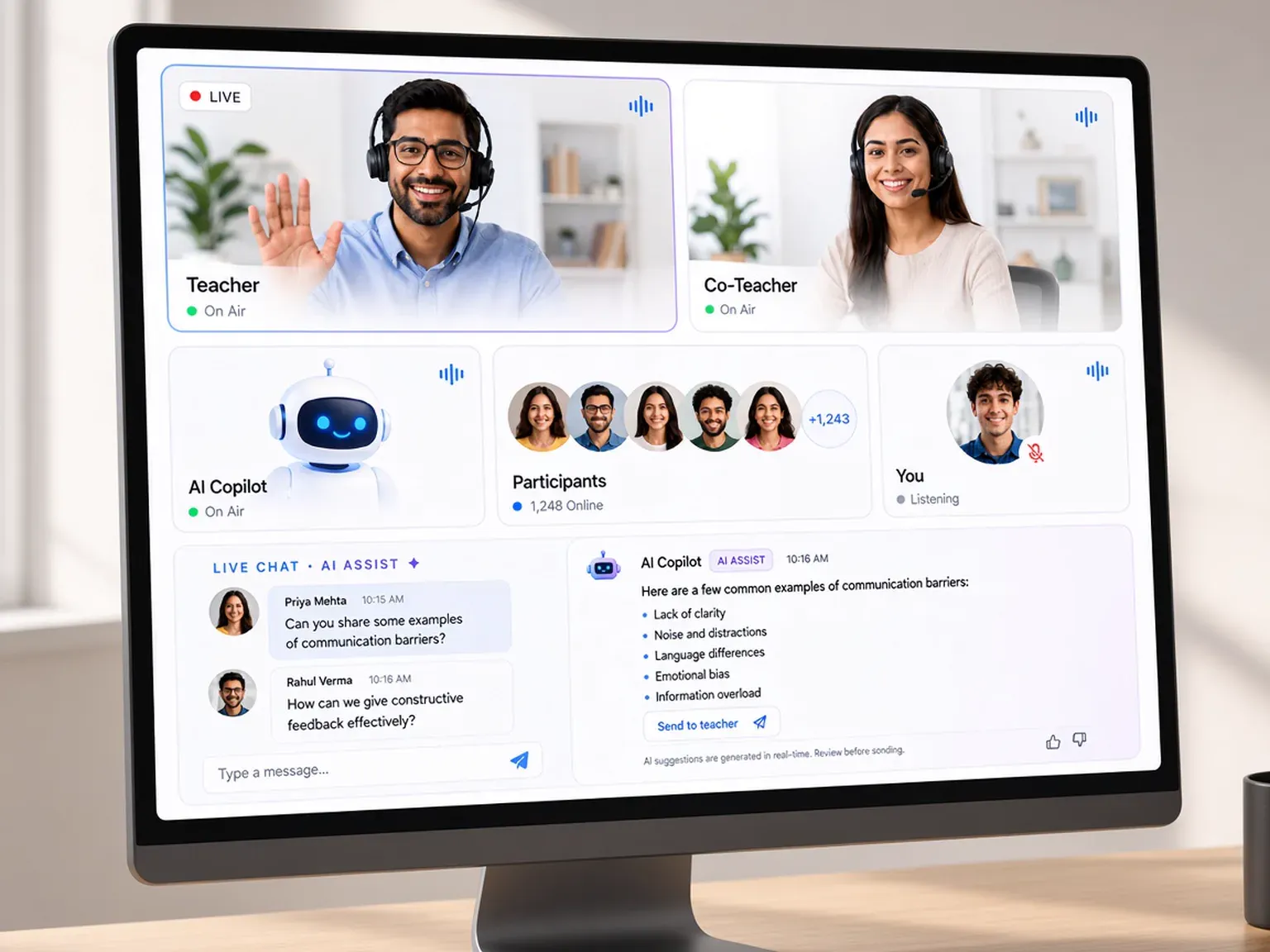
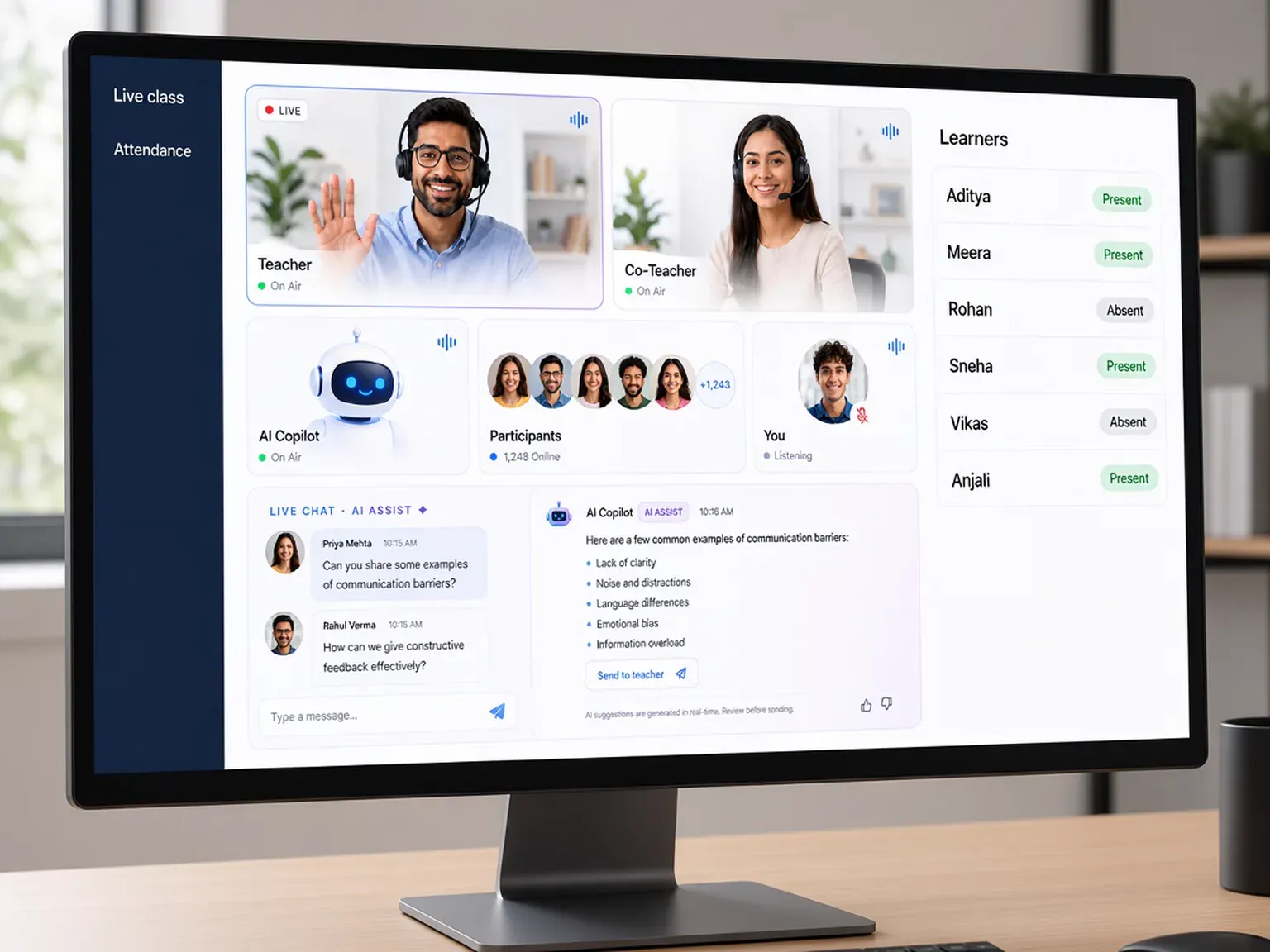
knewr runs that class itself. There is no dependency on Zoom, Google Meet, or Microsoft Teams. A session can include a Teacher, a Co-Teacher, and an AI Copilot Teacher. The room includes screen share, a highlighter and annotation, participant controls, Zen Mode, and breaks. Live chat can suggest replies for the teacher. Attendance and presence are recorded automatically. In the same class, the academy can run a test that knewr generates and scores.
The rest of the academy stays attached. Courses can be created with AI assistance from material the academy already has. Learners can use a branded app on iOS and Android. When a learner finishes, knewr can issue an automated certificate. That certificate is an academy credential. It is not a license, and knewr does not decide whether anyone meets an outside requirement.
Benefits
Run the live class in knewr instead of Zoom, Google Meet, or Microsoft Teams.
Open the session to the cohort without a separate meeting plan.
Presence is recorded automatically for the live session.
Assign a Teacher, a Co-Teacher, and an AI Copilot Teacher.
Share a screen, annotate, manage participants, use Zen Mode, and take a break.
Tests, the learner app, and the certificate sit on the same account as the class.
How it works
Add instructors and the course the cohort will study.
Start the session in knewr. Learners do not need a Zoom link.
Use screen share, annotation, participant controls, chat, and the AI Copilot Teacher.
Review automatic attendance and presence for that session.
Learners can take an AI-scored test, use the branded app, and receive a certificate when they finish.
Built with KNEWR
A live teaching room with no dependency on Zoom, Google Meet, or Microsoft Teams.
Hold the session for the cohort inside the academy account.
Teacher, Co-Teacher, and AI Copilot Teacher in the same class.
Screen share, highlighter and annotation, participant controls, Zen Mode, and breaks.
Teachers can use AI-assisted reply suggestions in chat.
Generate and score a quiz or test during the class.
FAQs
Yes. Live classes run inside knewr, so the academy does not depend on Zoom, Google Meet, or Microsoft Teams for the session.
No. The class is built into knewr. Learners join the session on the academy account.
knewr live classes support unlimited attendees.
A teacher can share a screen, highlight and annotate, control participants, use Zen Mode, take breaks, and chat. The room also has a Co-Teacher role and an AI Copilot Teacher. Chat can suggest replies for the teacher.
Yes. knewr records attendance and presence automatically for the live class. It does not use a paper register or a separate meeting report.
Yes. The academy can manage a test in class, including AI quiz and test generation and automatic scoring.
The live class sits on the same account as courses, a branded iOS and Android learner app, and automated certificates. The certificate is an academy credential. It is not a license, and knewr does not decide outside compliance.
Related pages
knewr is a live class platform for training academies, with built-in classes, courses, an AI teacher, branded apps, and certificates.
View page →knewr records attendance and presence in live classes for training academies, with teacher roles, the learner roster, and certificates on one account.
View page →knewr generates quizzes and tests for training academies and scores attempts automatically, on the same account as classes, courses, and certificates.
View page →knewr gives training academies a branded learner app for iOS and Android, with live classes, AI-assisted courses, and automated certificates.
View page →